NutriScan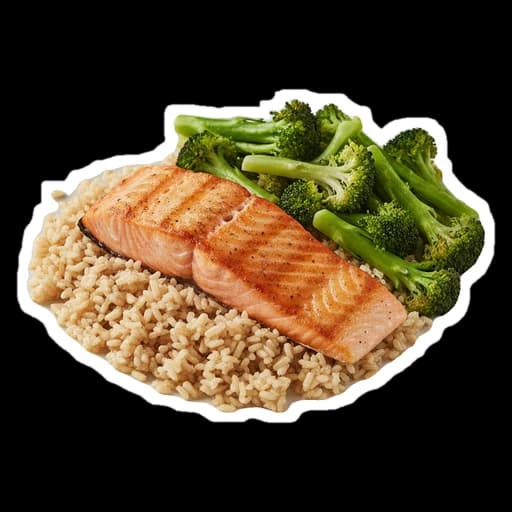


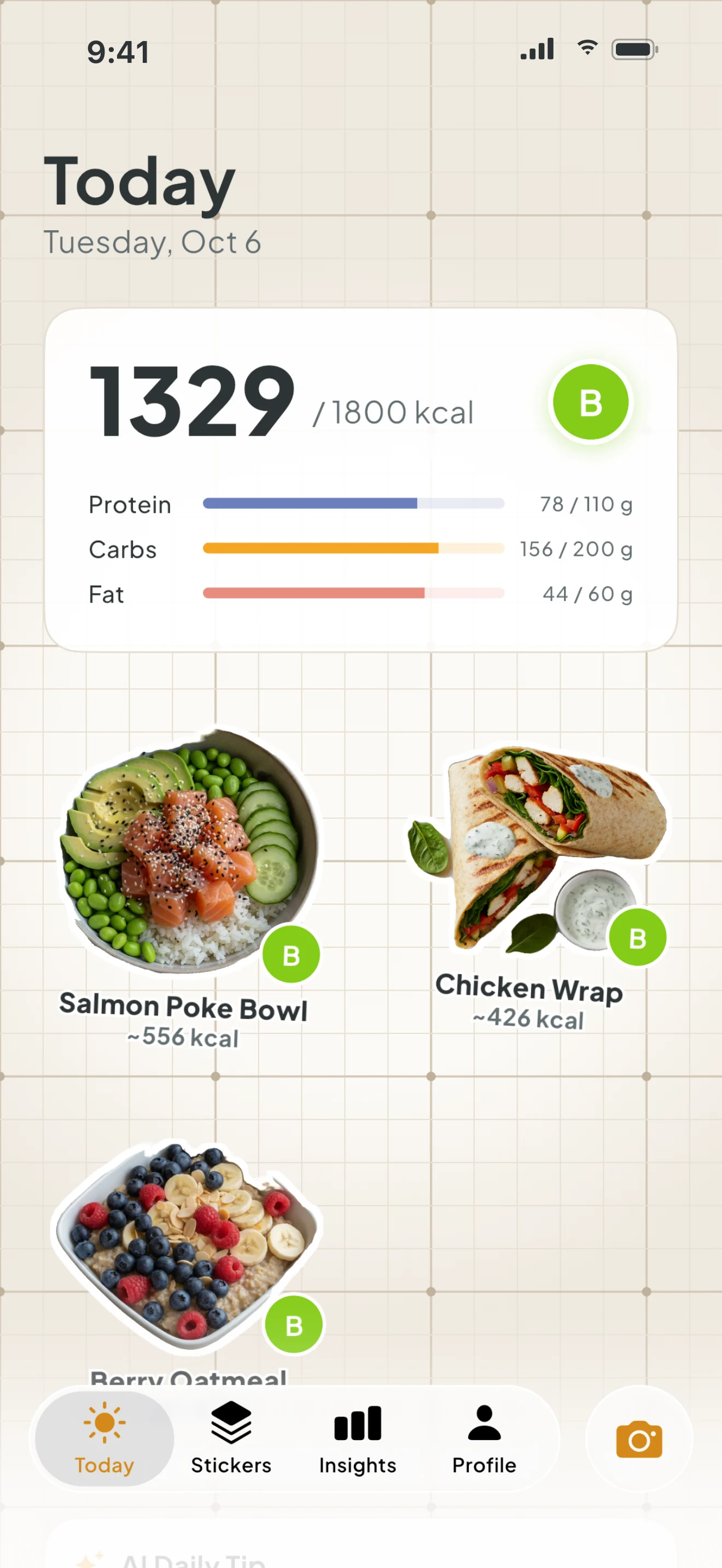
Today
Your day at a glance
Calories against your daily target, the grade of the day, protein, carbs and fat bars, and today’s stickers in a row.
 NutriScan · Food stickers
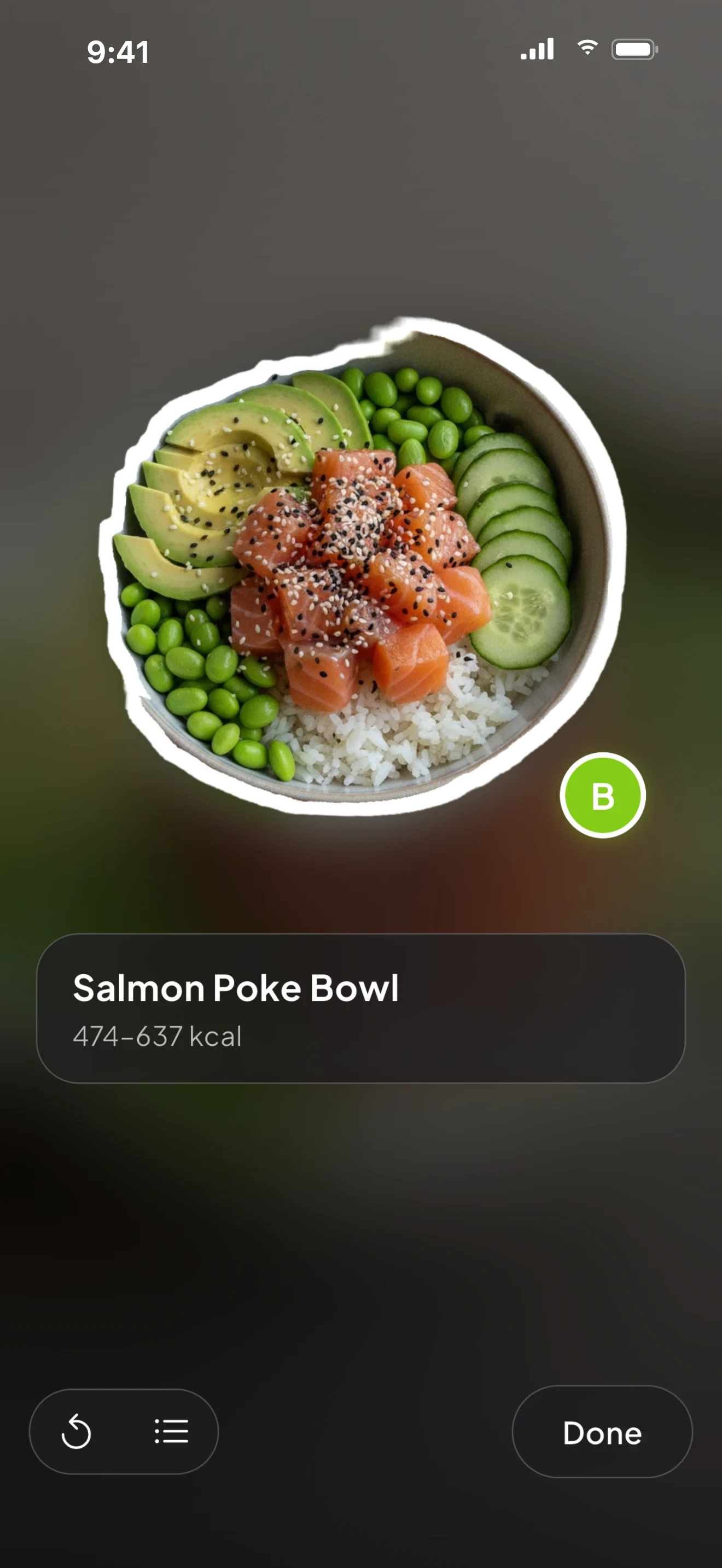
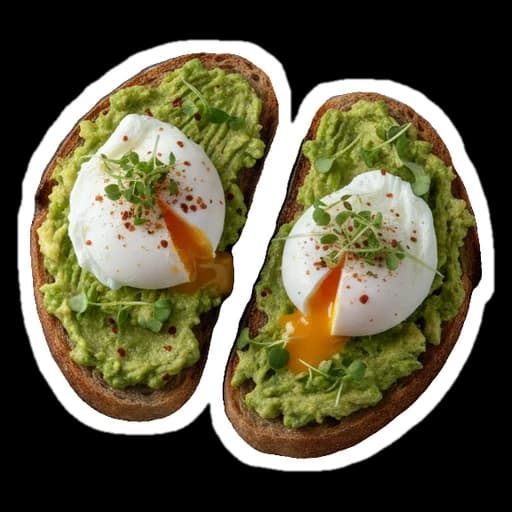
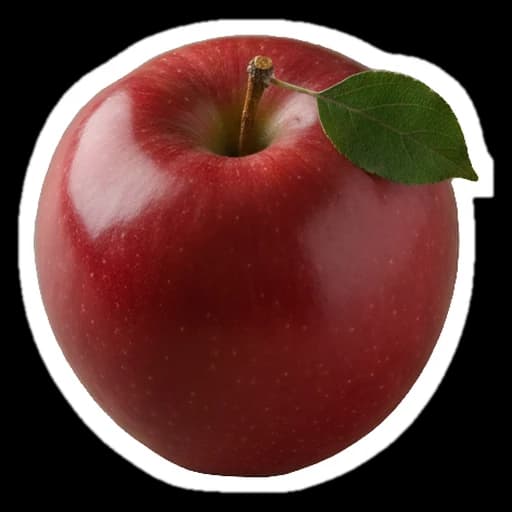
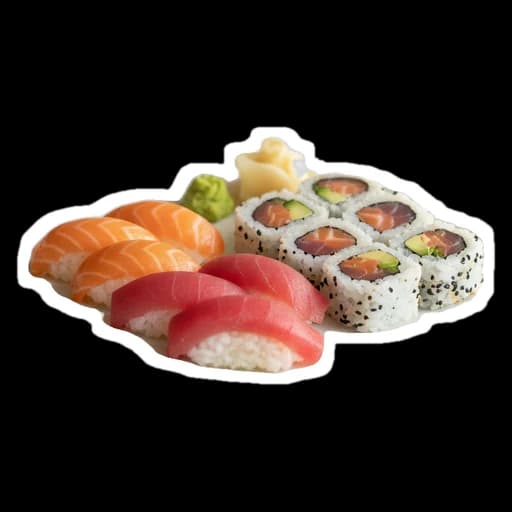
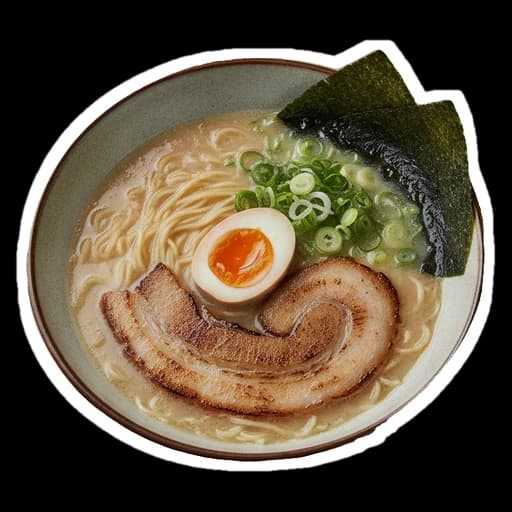
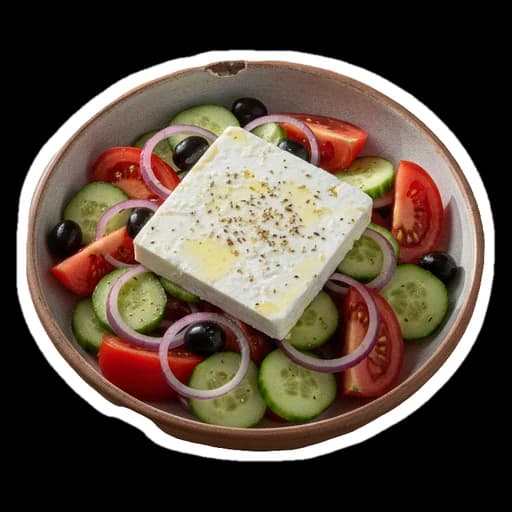
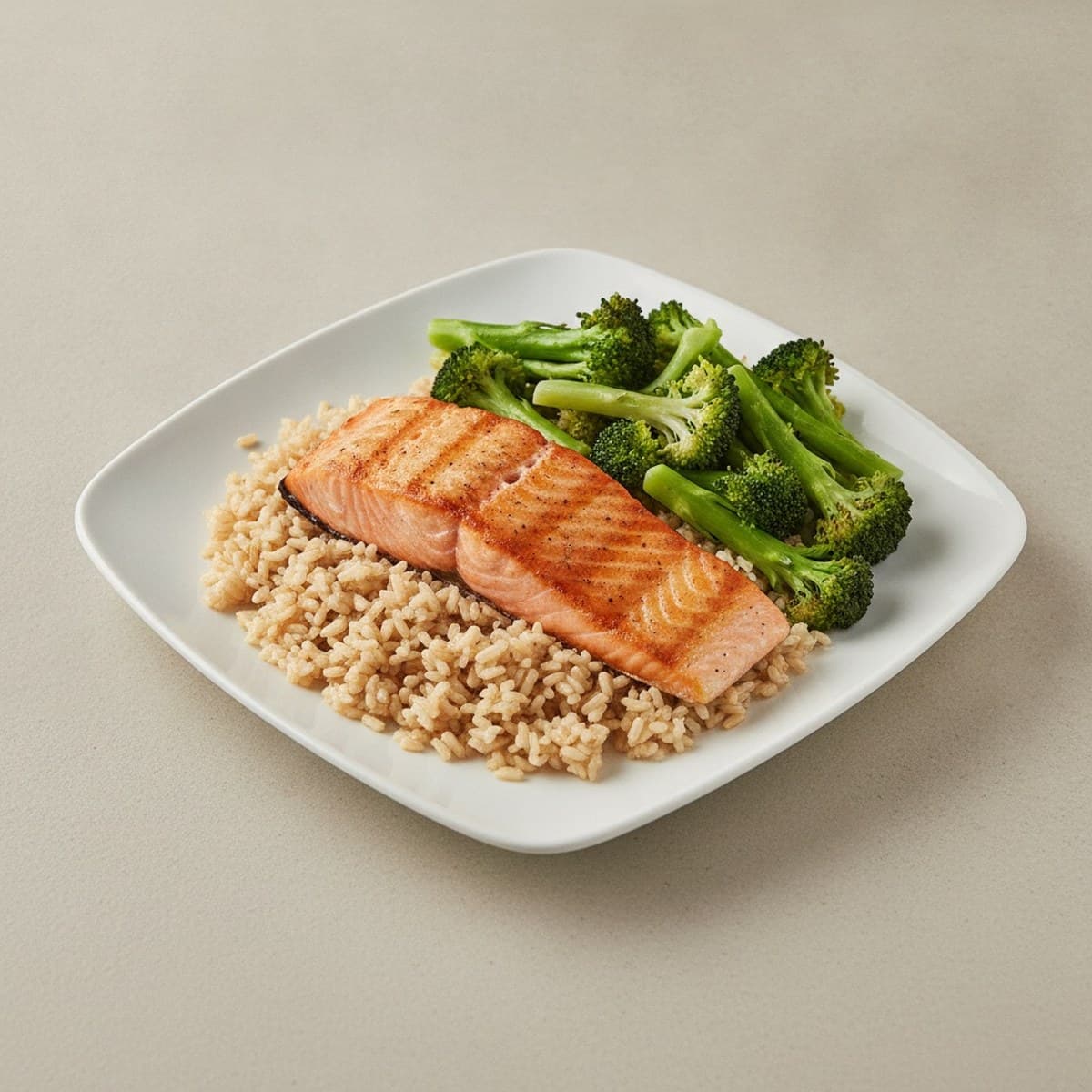
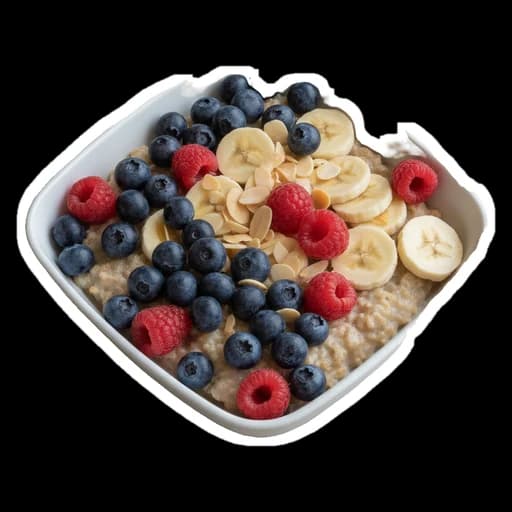
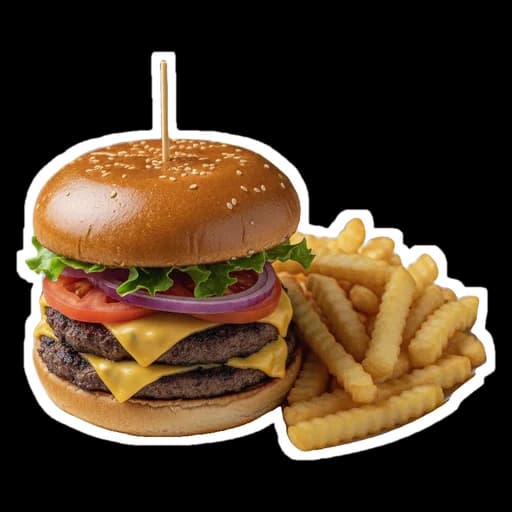
Take a photo of your meal. NutriScan lifts the food out as a die-cut sticker, gives it an A–E grade and an approximate count of calories and macros, and sticks it on your board.
No account · Cutouts made on your iPhone · iOS
Preview
One photo, four moments
Point your camera at the plate and take one photo. No typing, no searching a food list.
The food peels off the photo with a thick white outline, like a sticker coming off the sheet. The cutout is made on your iPhone.
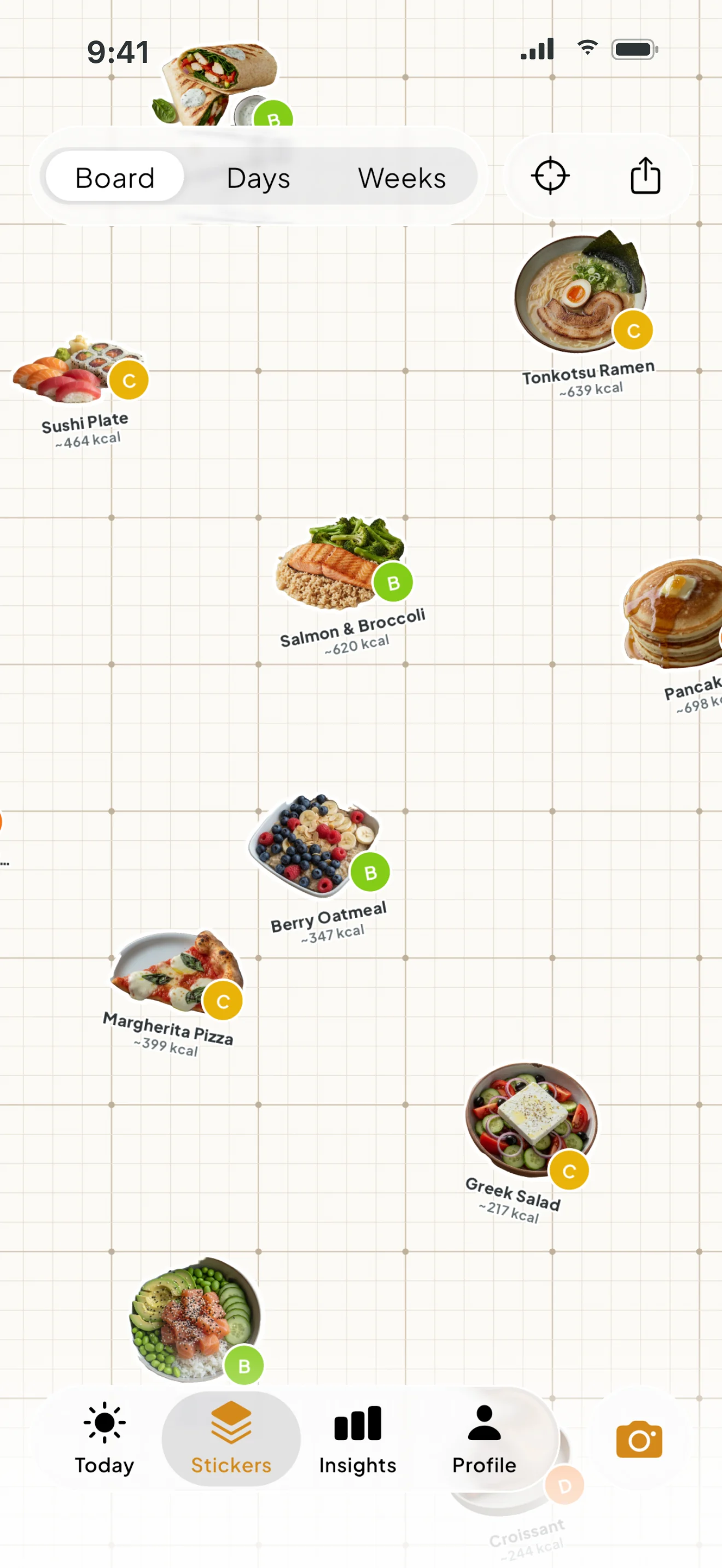
It lands on your board next to everything else you ate this week. A food diary you actually want to look at.
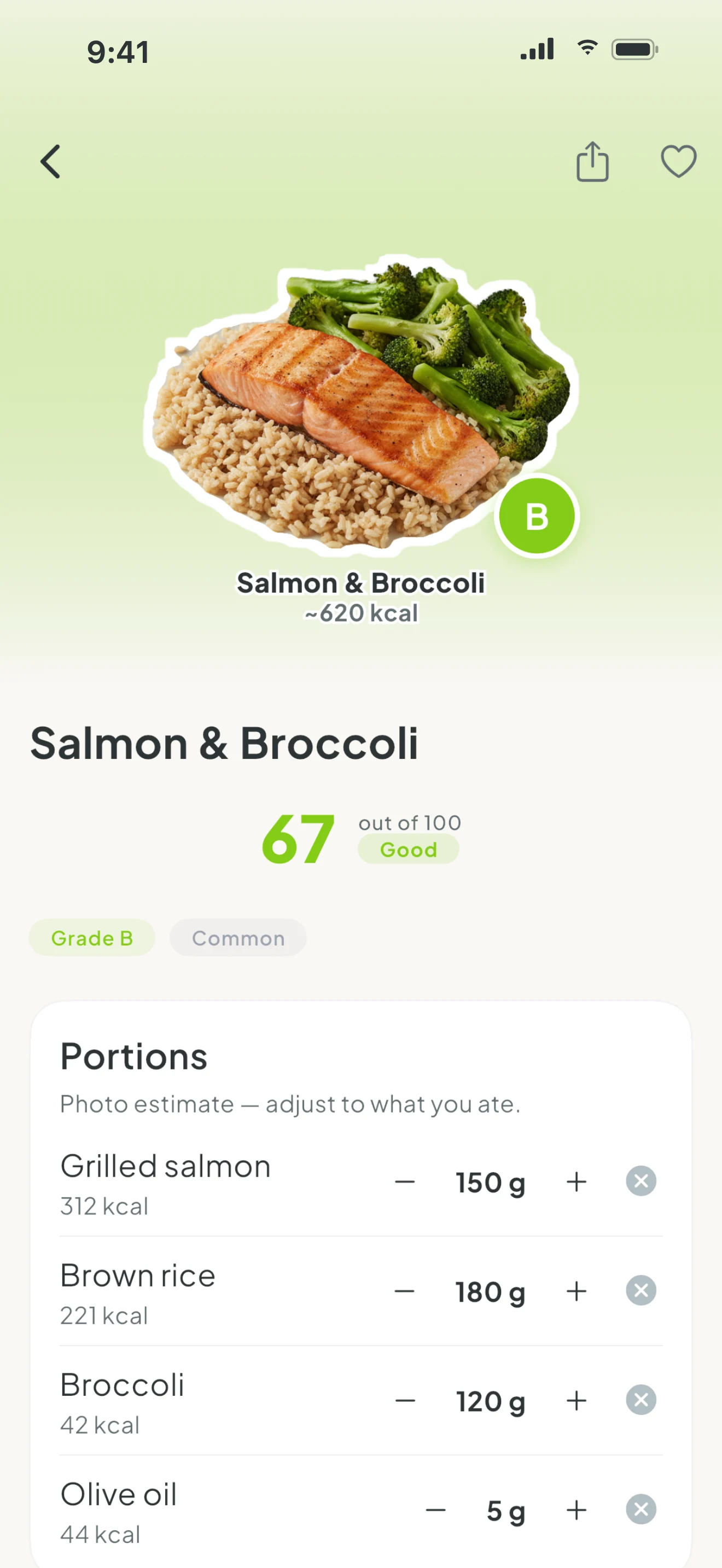
Each sticker gets an A–E grade and approximate kcal, protein, carbs and fat. Change the grams if the portion looks off.
The Stickers tab
Your board grows with every photo. Scroll it like a scrapbook, or switch to Days and Weeks to see how your meals add up.
Inside the app
Calories against your daily target, the grade of the day, protein, carbs and fat bars, and today’s stickers in a row.
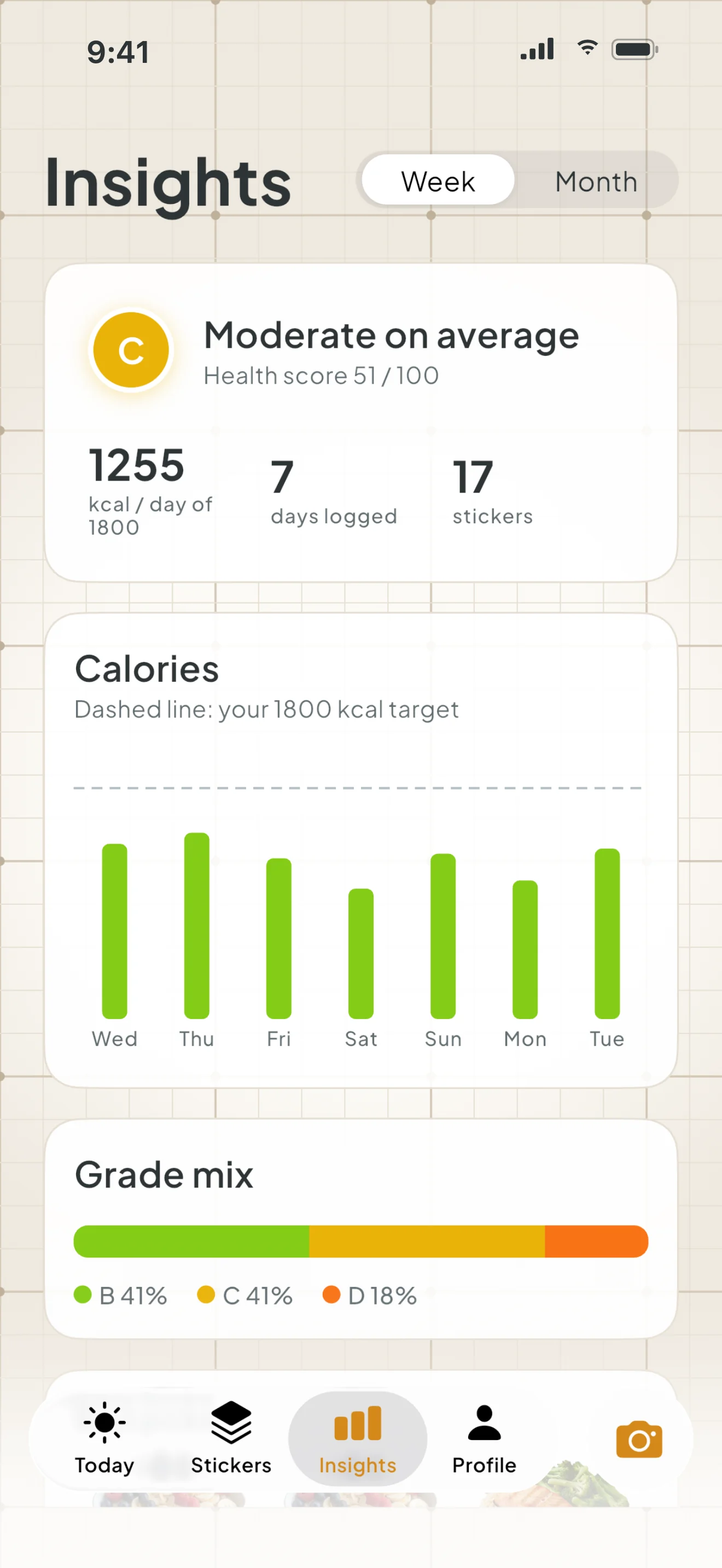
Average kcal, calorie bars against your target, a grade mix bar, your best and worst stickers, and a short AI note about the week.
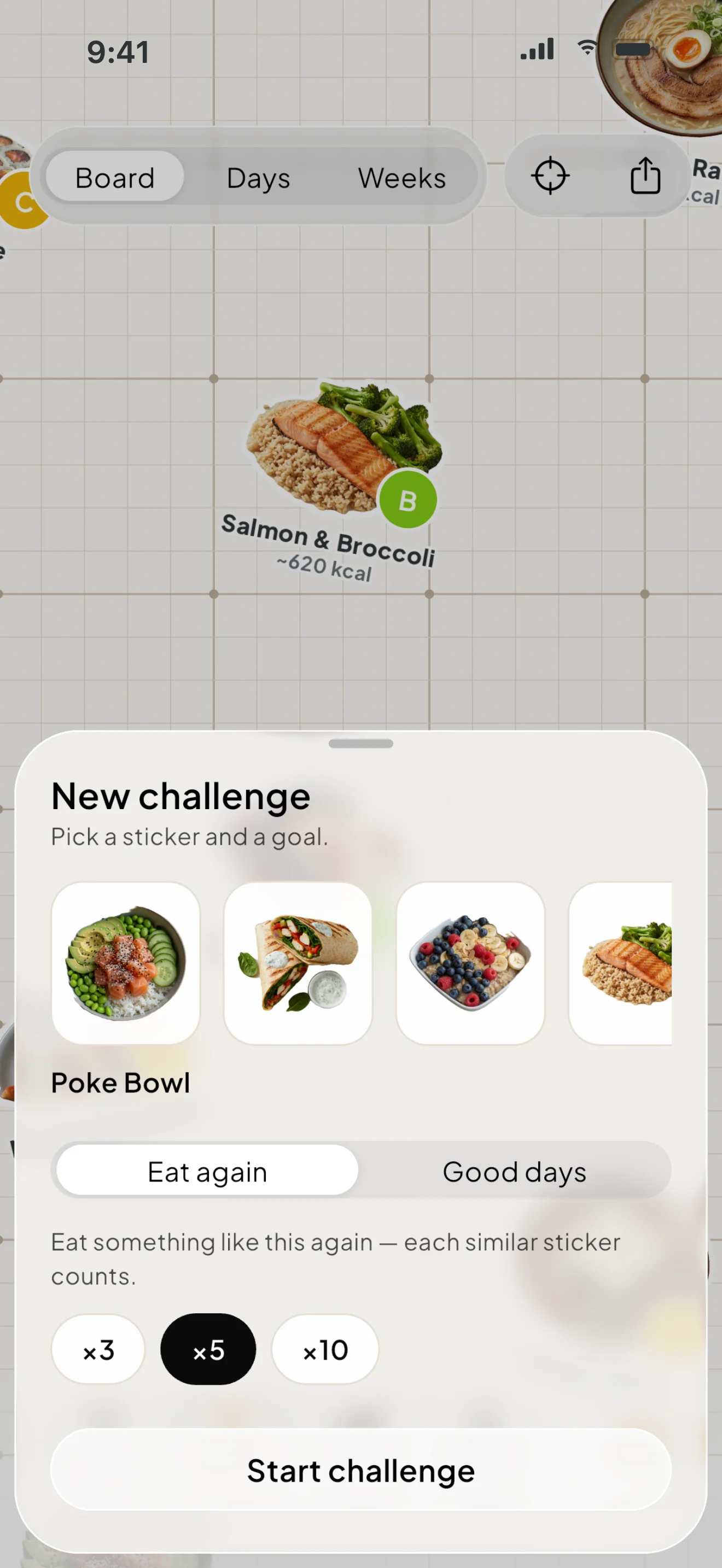
Pick a sticker and a goal: eat it again 3, 5 or 10 times, or have 3, 7 or 14 days with an A or B grade. The badge is your sticker inside a progress ring.
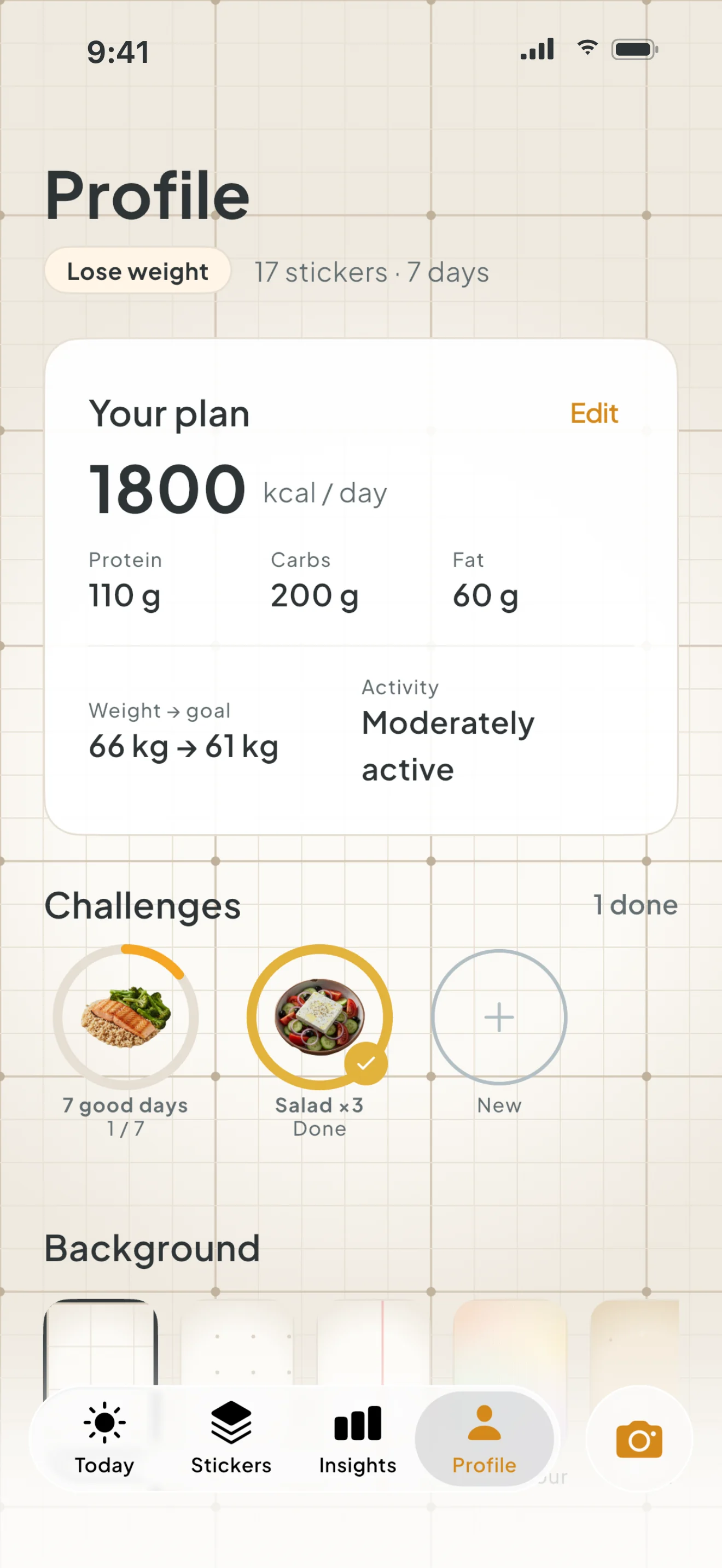
Age, height, weight, goal weight and activity give you a daily calorie target. It’s yours to edit any time.
Real app screens with a demo week
A to E
Every meal gets a letter for its nutritional balance, inspired by Nutri-Score. It’s a quick hint about the plate, not a verdict on you.
Grades and calories are estimates from a photo and can be wrong. NutriScan is not medical advice.
Also in the app
Packaged food by its barcode, from the Open Food Facts database.
Change the grams and the kcal and macros follow.
Grid, dots, lined, blobs or kraft — pick the board you like.
No sign-up, no email. Your board stays on your iPhone.
Pricing
Your board, grades and daily target are free. Premium is for when you want to scan every meal, every day.
to start
unlimited
Premium is an auto-renewing subscription billed through your Apple ID. Apple shows the price for your country before you buy. Cancel any time in Settings → Apple ID → Subscriptions, at least 24 hours before the period ends.
NutriScan
Snap your plate. Keep the sticker.
NutriScan is coming to iPhone. No account, no ads — your stickers stay on your phone.
Questions
They are approximate. The AI estimates foods and portions from one photo, and sauces, oil or mixed dishes can fool it. Every meal has editable grams, so you can make it closer.
To recognise the food, the meal photo is sent to Google’s Gemini model through Firebase AI Logic. The sticker cutout is made on your iPhone. Your stickers, meals and profile are stored only on your device. Details are in the Privacy Policy.
NutriScan doesn’t push a diet. It shows approximate kcal, protein, carbs and fat and a balance grade, so it fits vegetarian, low-carb or any other way of eating. For medical diets, follow your doctor or dietitian.
No. There is no sign-up and no email. Your board, plan and challenges stay on your iPhone, and deleting the app deletes them.